Stop buddy punching, lost keycards, and manual timesheet calculations. Staff simply walk up to the door—the system recognizes their face in under a second, unlocks the door, logs their shift, and updates your monthly payroll automatically.
A clean, secure, role-based web portal accessible from any phone, tablet, or laptop. No complex VPNs or on-premise software to install.
HR managers, accountants, and branch supervisors each get a tailored login with the exact permissions they need to run day-to-day operations.
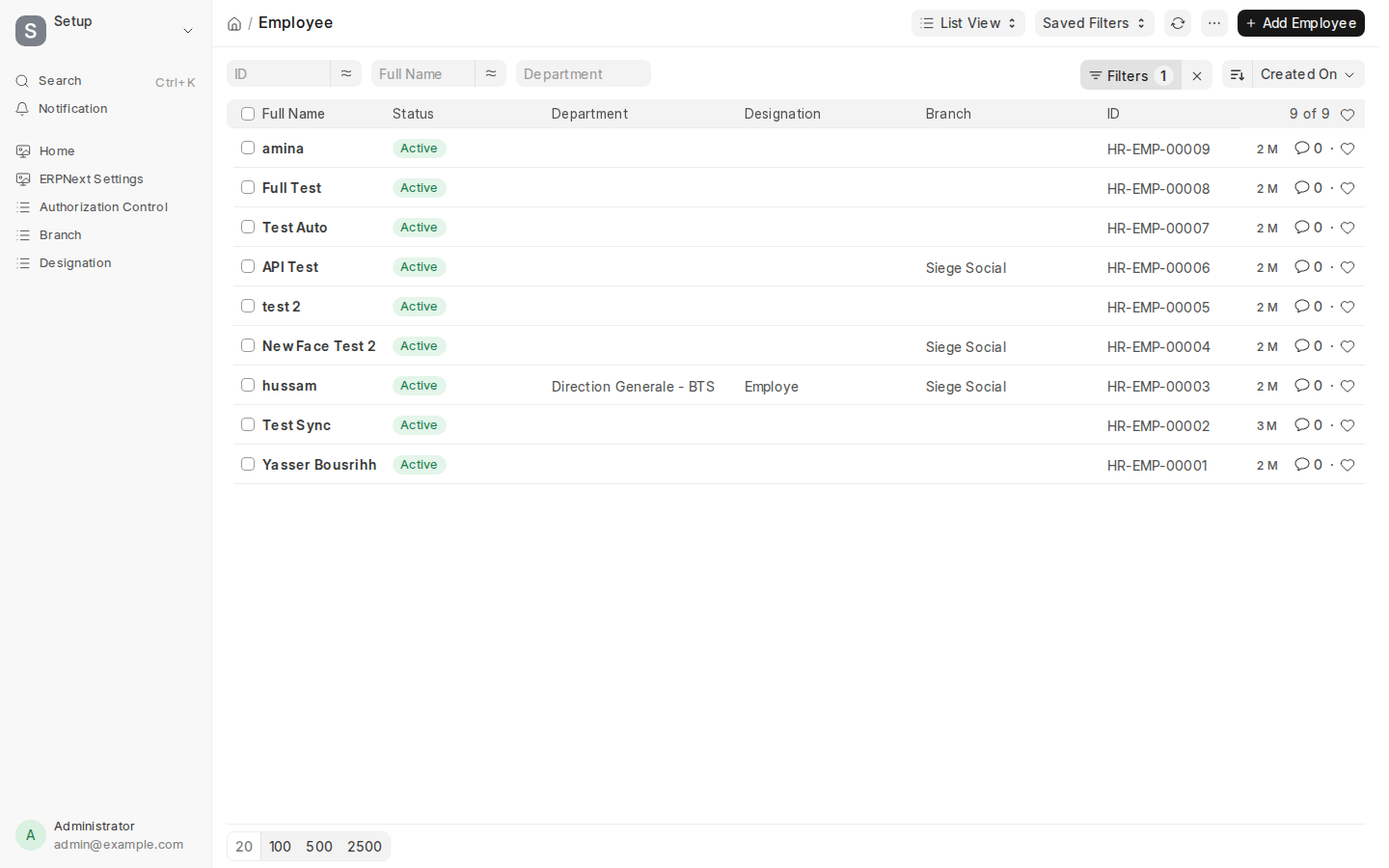
View every team member across all branches. Search by name, filter by department, add new hires, approve leave, or deactivate staff with one click.
No digging through paper files or complicated menus. Every common action you need to take on an employee is one click away:
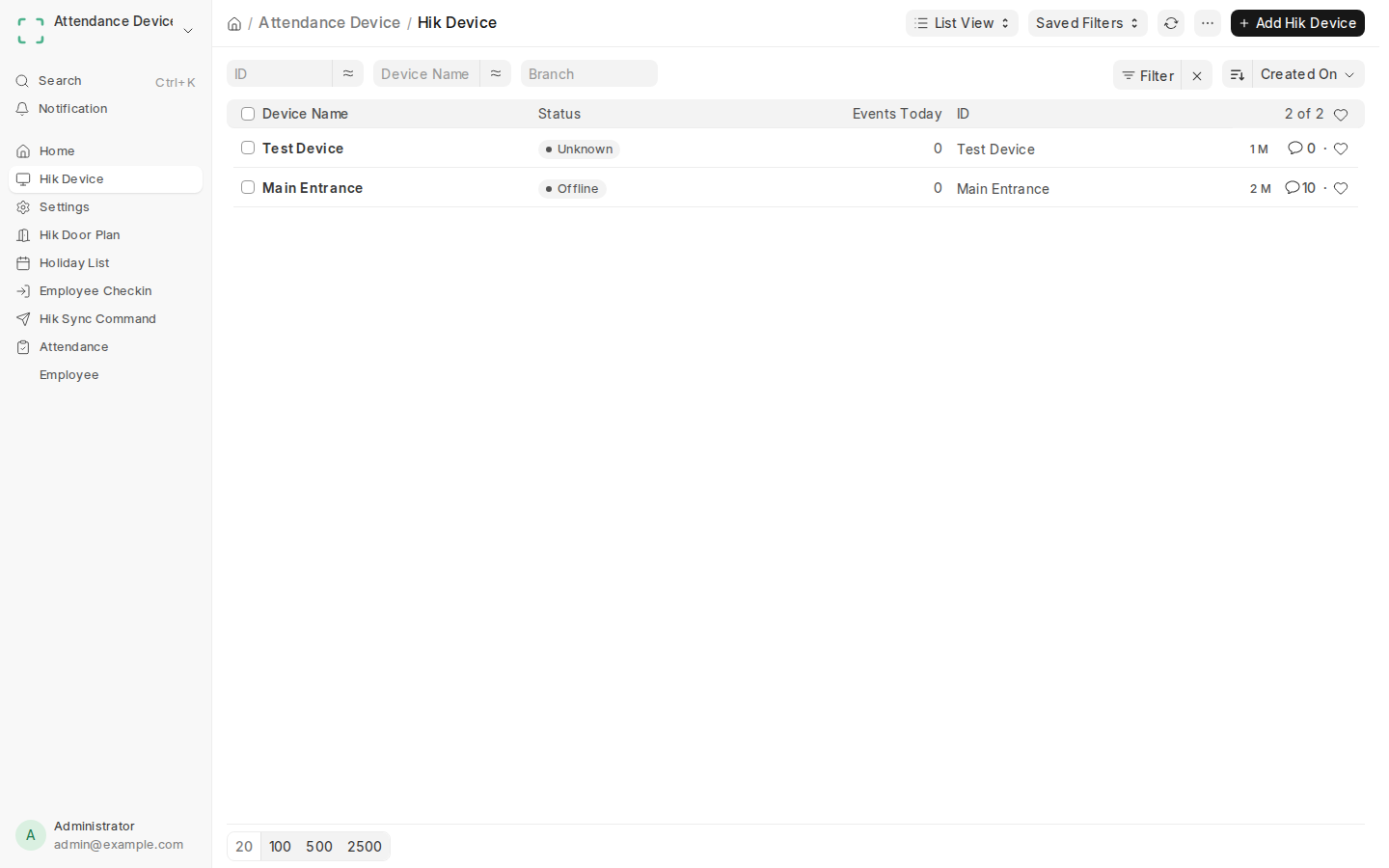
Check the status of every entrance terminal across all your branches—from your main headquarters to branch kitchens and retail stores—live from your phone or laptop.
Never wonder if an entrance unit is working. The dashboard immediately alerts you if a device loses power or Wi-Fi, and counts daily employee entries in real time.
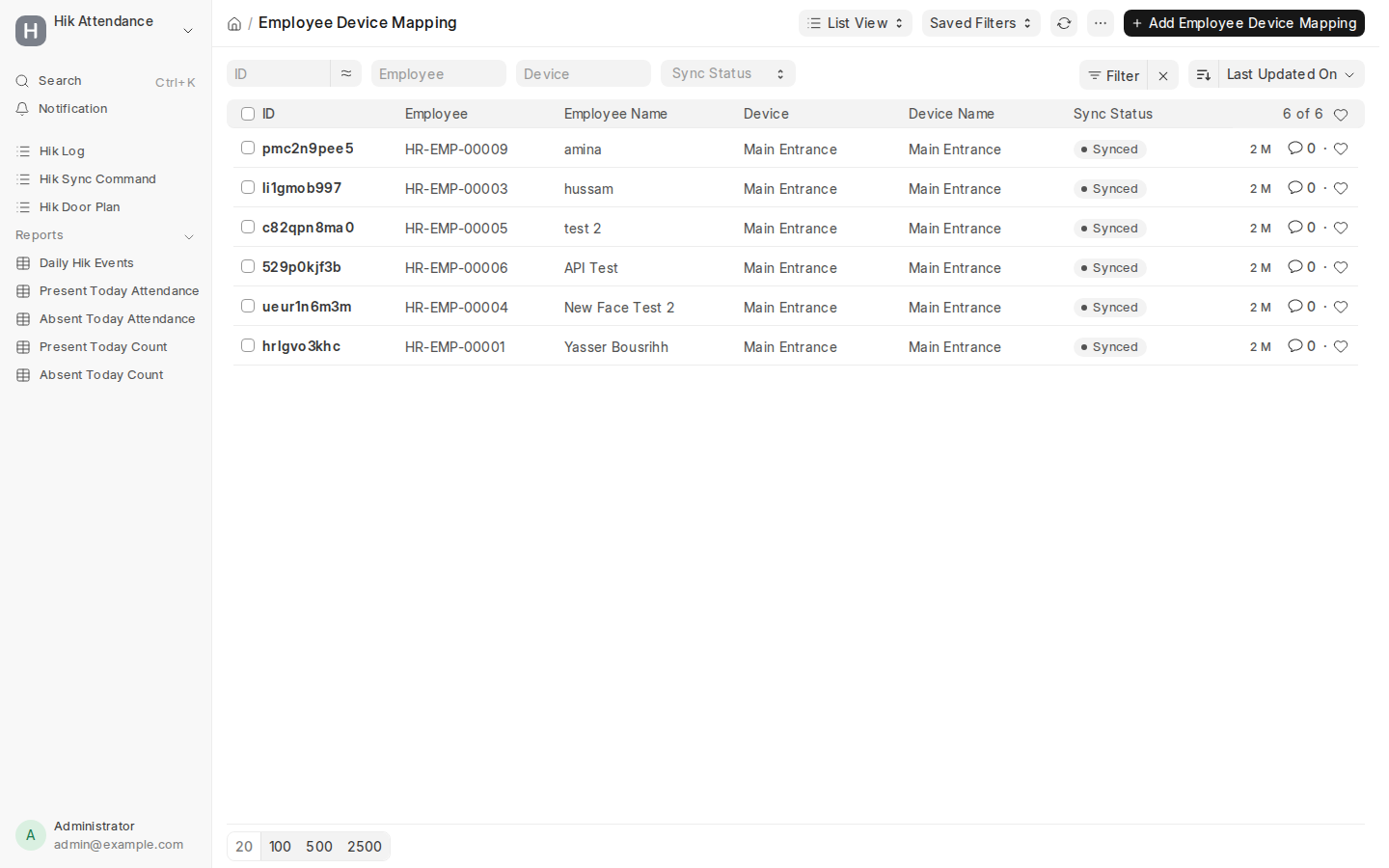
Take a portrait photo on your phone or upload their photo in HR. The system automatically sends their face recognition profile to all authorized branch doors.
No manual keypad enrollment at each door. Add new hires in your office, and they can walk into their branch immediately.
Watch staff arrive and check in live as it happens. See their photo, arrival time, and which entrance they used.
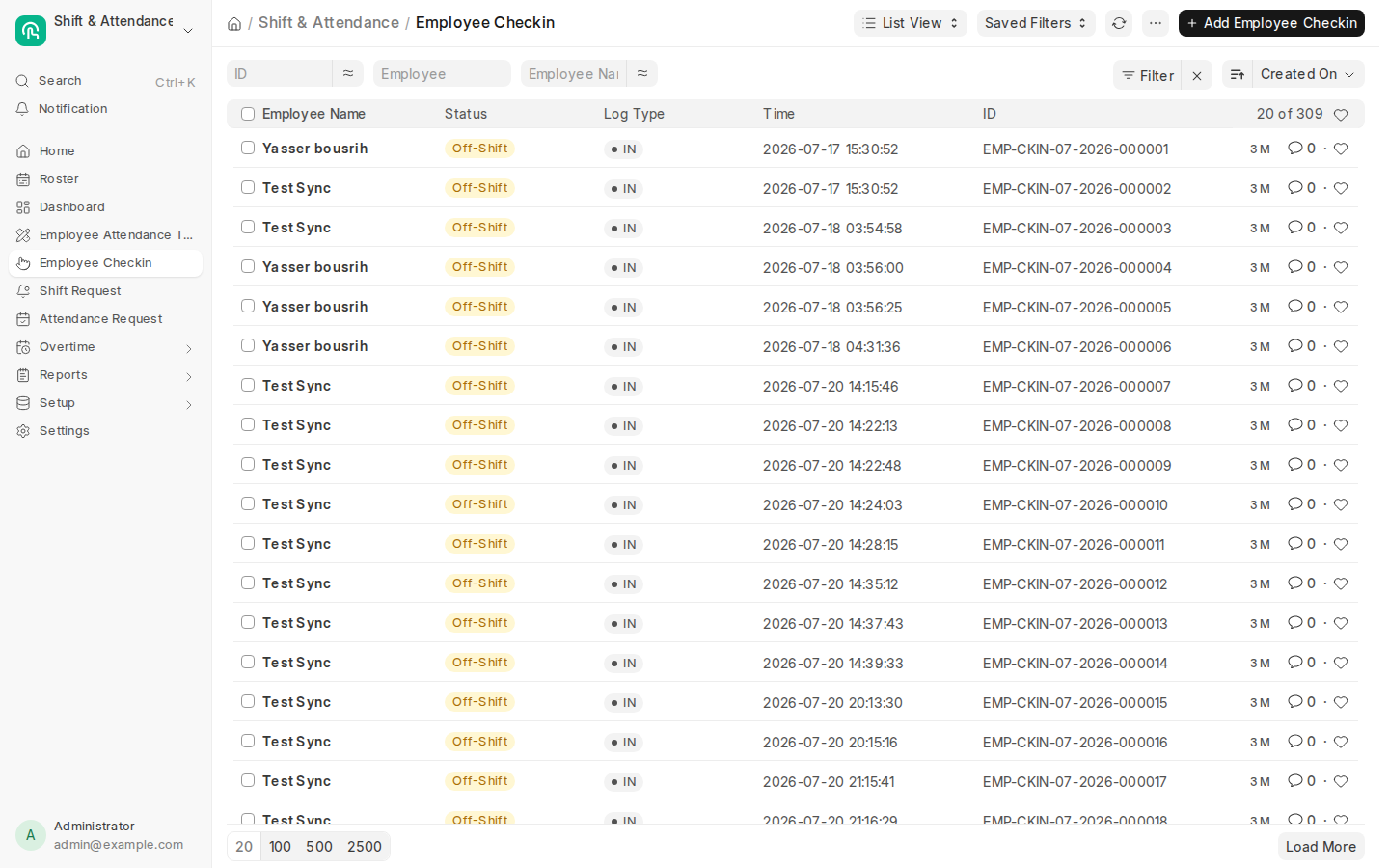
Every face match logs an instant check-in record. No missing logs, no unrecorded breaks, and no guesswork about who is currently on the floor.
Door punches automatically turn into audited monthly timesheets—calculating total hours worked, late arrivals, and overtime with zero manual spreadsheet work.
Turn thousands of daily door scans into clean, approved monthly attendance summaries ready for payroll with one click.
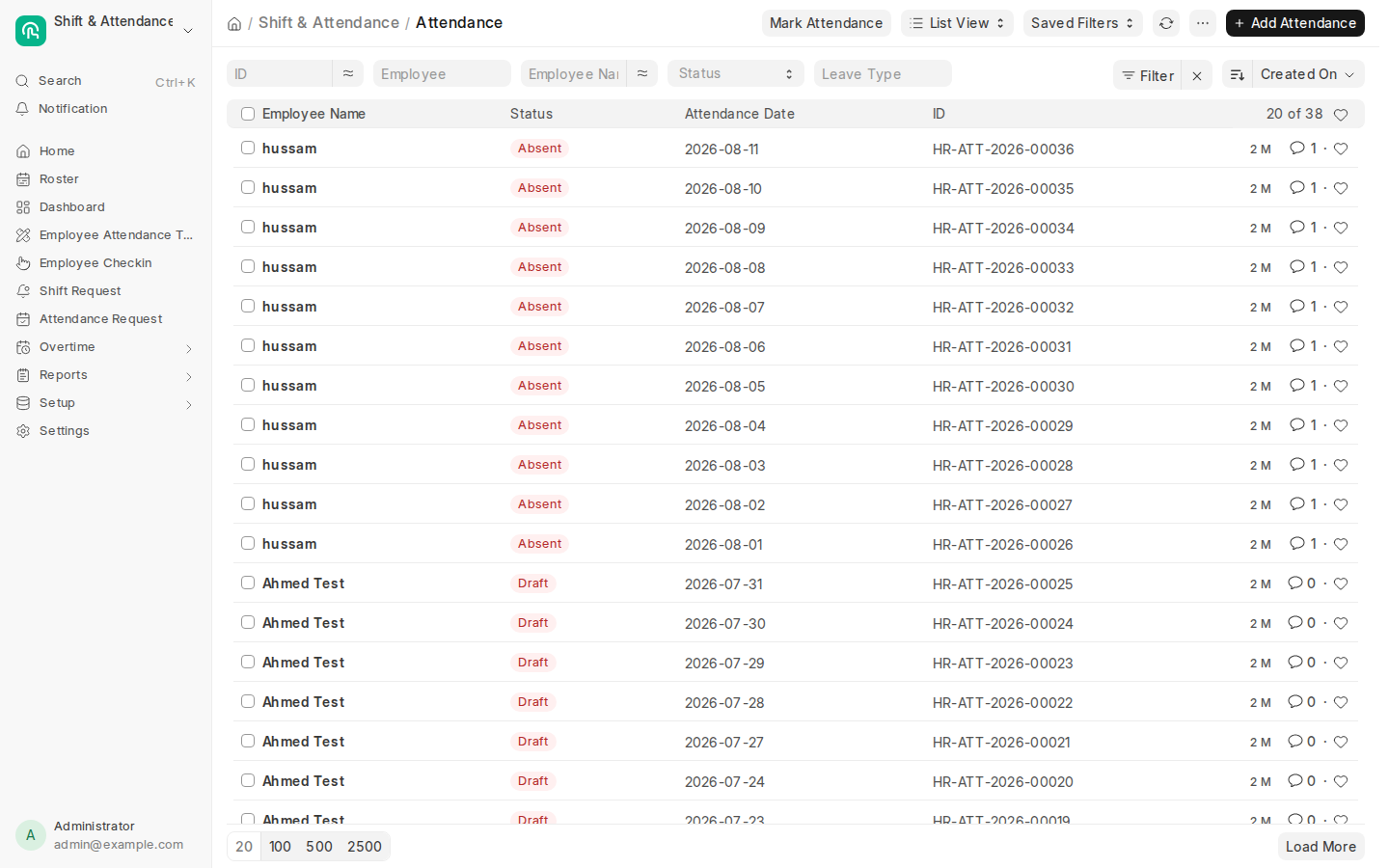
A single unified profile for every team member linking their face recognition credential, job role, shift schedule, and contract details.
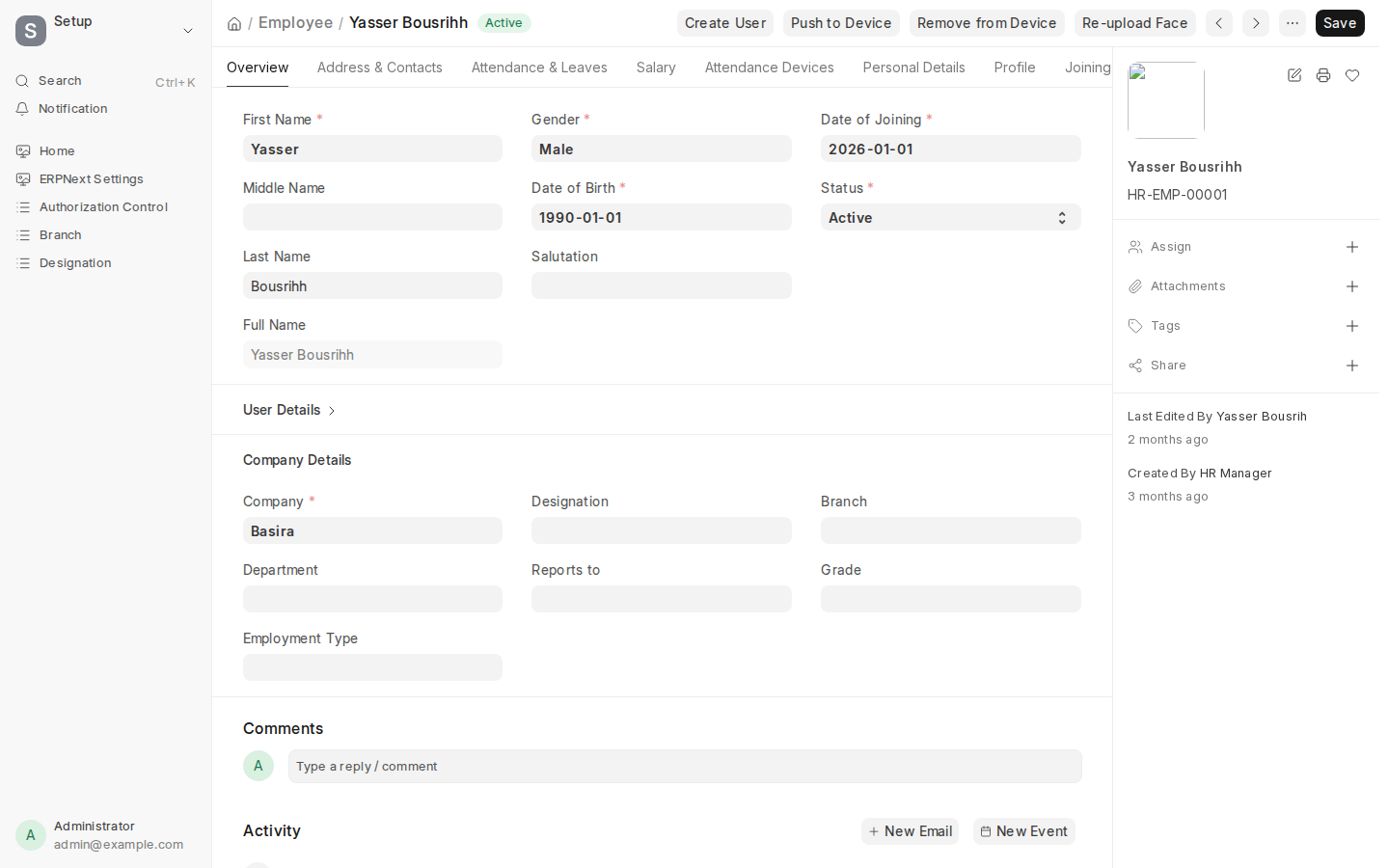
HR managers can check an employee's access status, change assigned doors, and view attendance history without ever touching physical device hardware.
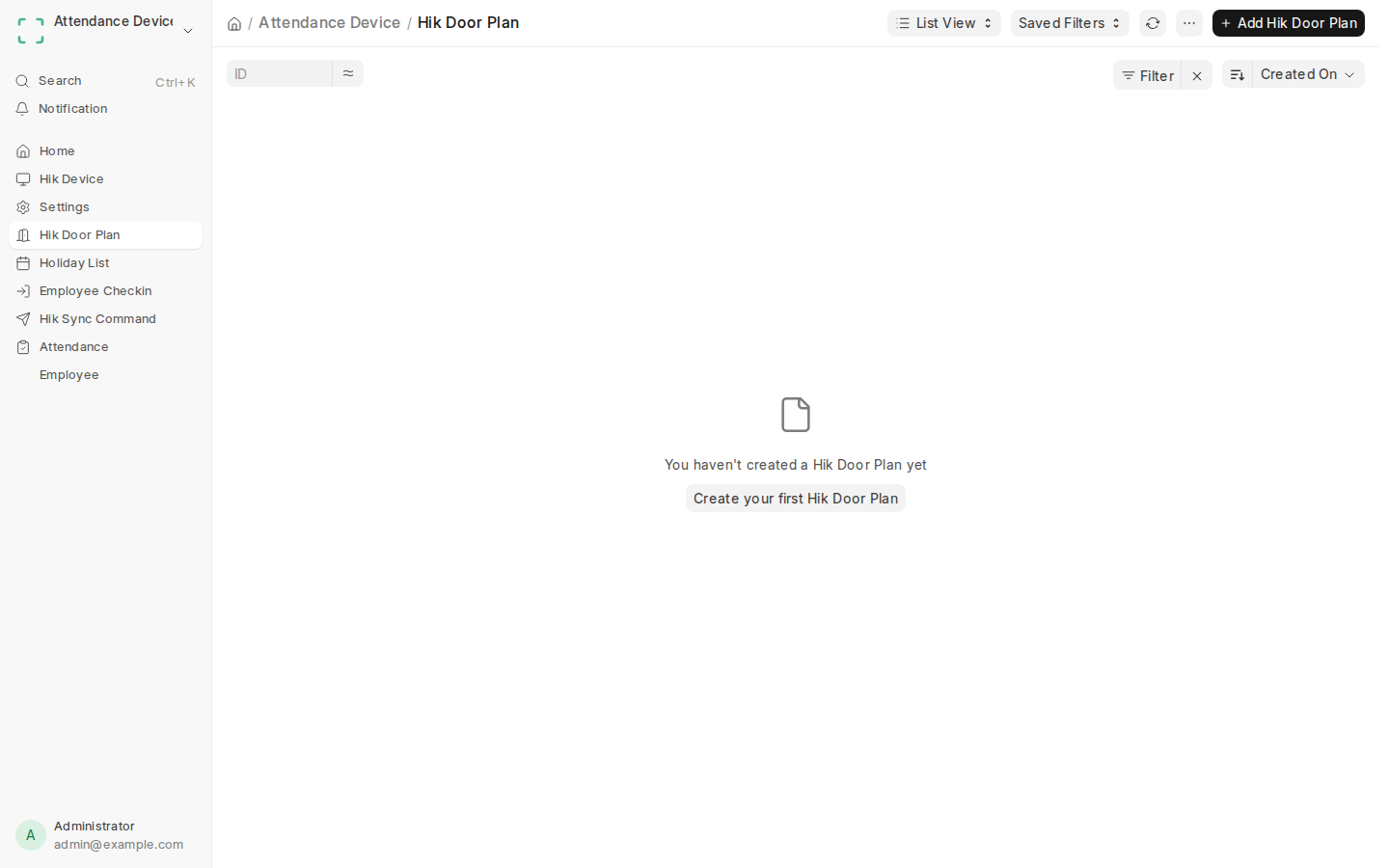
Set custom operating hours for your doors. Decide who can enter during morning shifts, evening prep, weekends, or national holidays.
Doors know exactly when to let people in. Even during internet outages, the physical terminal follows your schedule and rejects after-hours entry.
Designed for restaurants, salons, clinics, and offices: fast walkthrough access, 100% anti-spoofing protection, and zero downtime.
| Recommended Use | Terminal Size | Staff Capacity | Unlock Speed | Connection | Best Suited For |
|---|---|---|---|---|---|
| Compact Wall Unit | 4.3" Touchscreen | Up to 1,500 Staff | Instant (<0.2s) | Wi-Fi & Cable | Salons, Clinics & Kitchens |
| Pillar & Turnstile Unit | 7.0" HD Screen | Up to 6,000 Staff | Instant (<0.2s) | Network Cable | Office Entrances & Turnstiles |
| Outdoor Heavy-Duty Unit | 7.0" Weatherproof | Up to 10,000 Staff | Instant (<0.2s) | Weatherproof PoE+ | Outdoor Gates & Parking |